

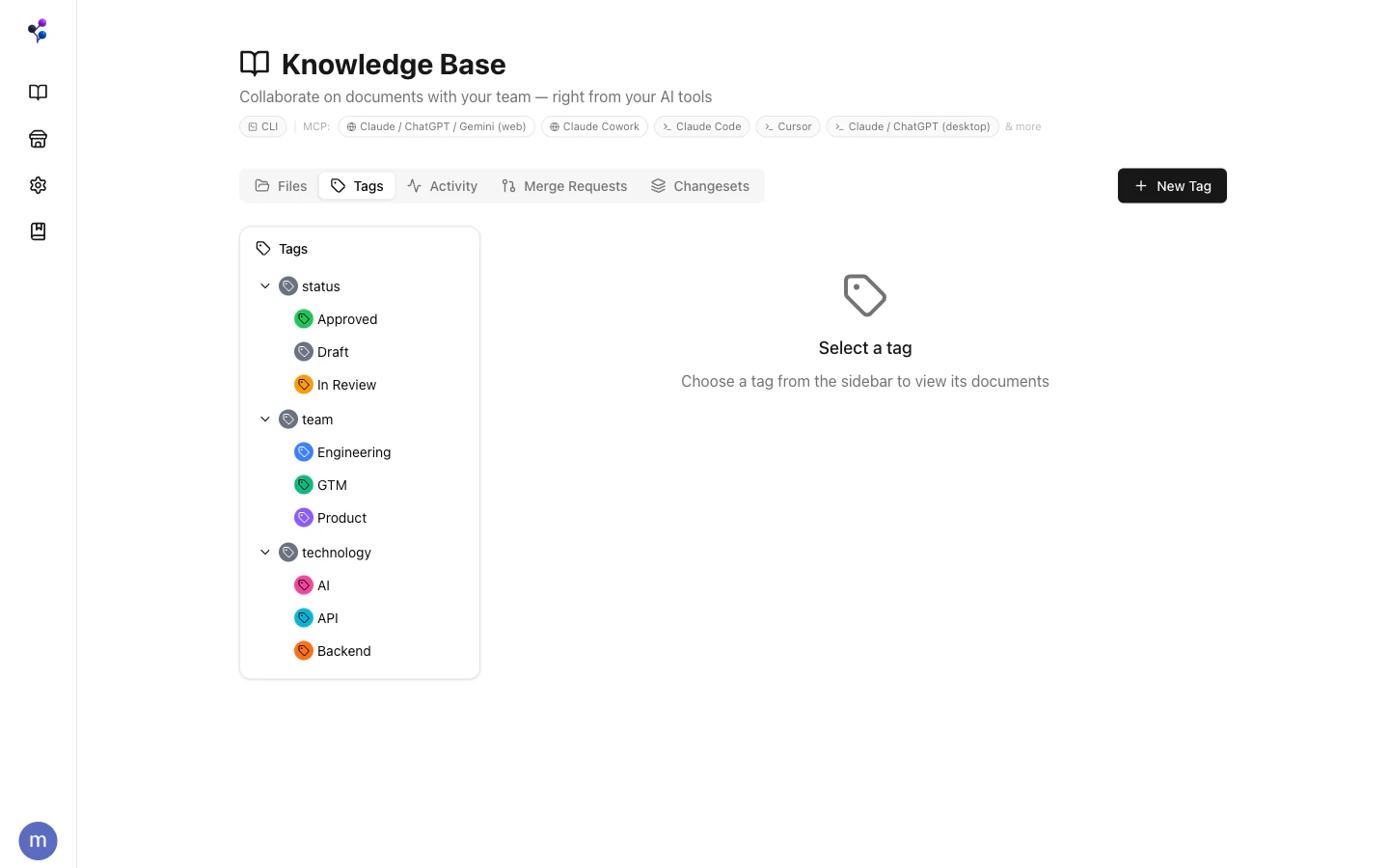
What Tags Look Like
Tags have paths — slash-separated strings that express hierarchy:/technology/ai/google automatically creates /technology and /technology/ai as ancestors if they don’t exist yet.
Tags can also have a display name (e.g., “In Review”), a color, and an optional description. The display name is what’s shown in the UI; the path is what’s used in API calls.
Browsing Tags and Their Documents
The Tags tab in the Knowledge Base shows the full tag hierarchy. Click any tag to see which documents have been assigned to it.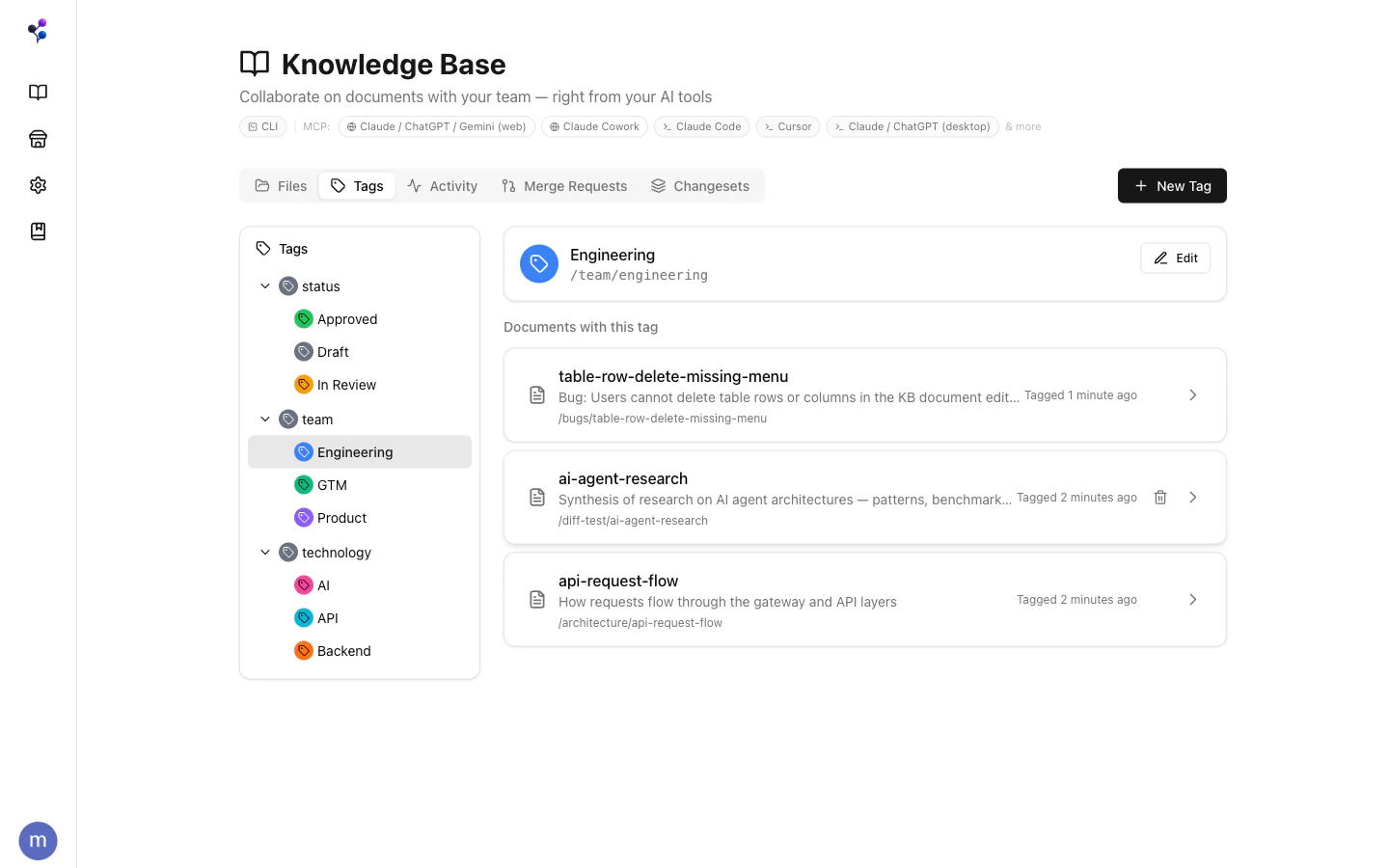
Assigning Tags to Documents
In the web app, open a document and click the Tags button in the toolbar to assign or remove tags. Via MCP, use thedocuments tool with action: "assign_tag" or action: "remove_tag".
Filtering by Tag
Tags integrate withfind and the web file browser. Pass one or more tagIds to filter documents:
tagFilterMode: "all", every specified tag must be present. The default "any" mode returns documents that match at least one.
Tags vs. Folders
A document at
/engineering/api-guide lives in one folder. It can simultaneously carry /team/backend, /status/approved, and /technology/api tags. Folders answer “where is this?”; tags answer “what is this?”.
Managing the Tag Catalog
Tag definitions (path, color, display name, description) are managed with thetags MCP tool or through New Tag in the Tags panel.
Deleting a tag cascades — it removes all descendants and clears all document assignments.
Tags are global to a filesystem — they’re shared across all documents in that filesystem, not scoped per document or branch.
Database Columns Backed by Tags
Tags are also the engine behind database column options. When you create aselect, multi_select, status, or checkbox column in a database, the options are tags. Setting a property on a document assigns the corresponding tag.
See Databases for how this works.