

The Problem
Four pain points keep showing up when working with agents on documents:- Parallel agents, no coordination. Two agents edit the same doc; the second clobbers the first. No diff, no history, no merge path. Last-write-wins.
- Markdown in git works for agents, less so for humans. Agents can navigate a repo, but collaborators lose real-time cursors, rich editing, and comments.
- MCP bolted onto Notion or Google Docs. Agents call APIs that weren’t designed for them. Writes burn tokens on format translation; search is flat.
- Permissions. You want to guard specific content from agent updates or reads without locking it away from humans.
Choose Your Setup
Pick the connection method that fits your workflow:CLI Quick Start
Sign in with your browser or an API key, no MCP needed — ideal for coding agents
MCP Quick Start
Connect any MCP host — Claude, ChatGPT, Cursor, Gemini, and more
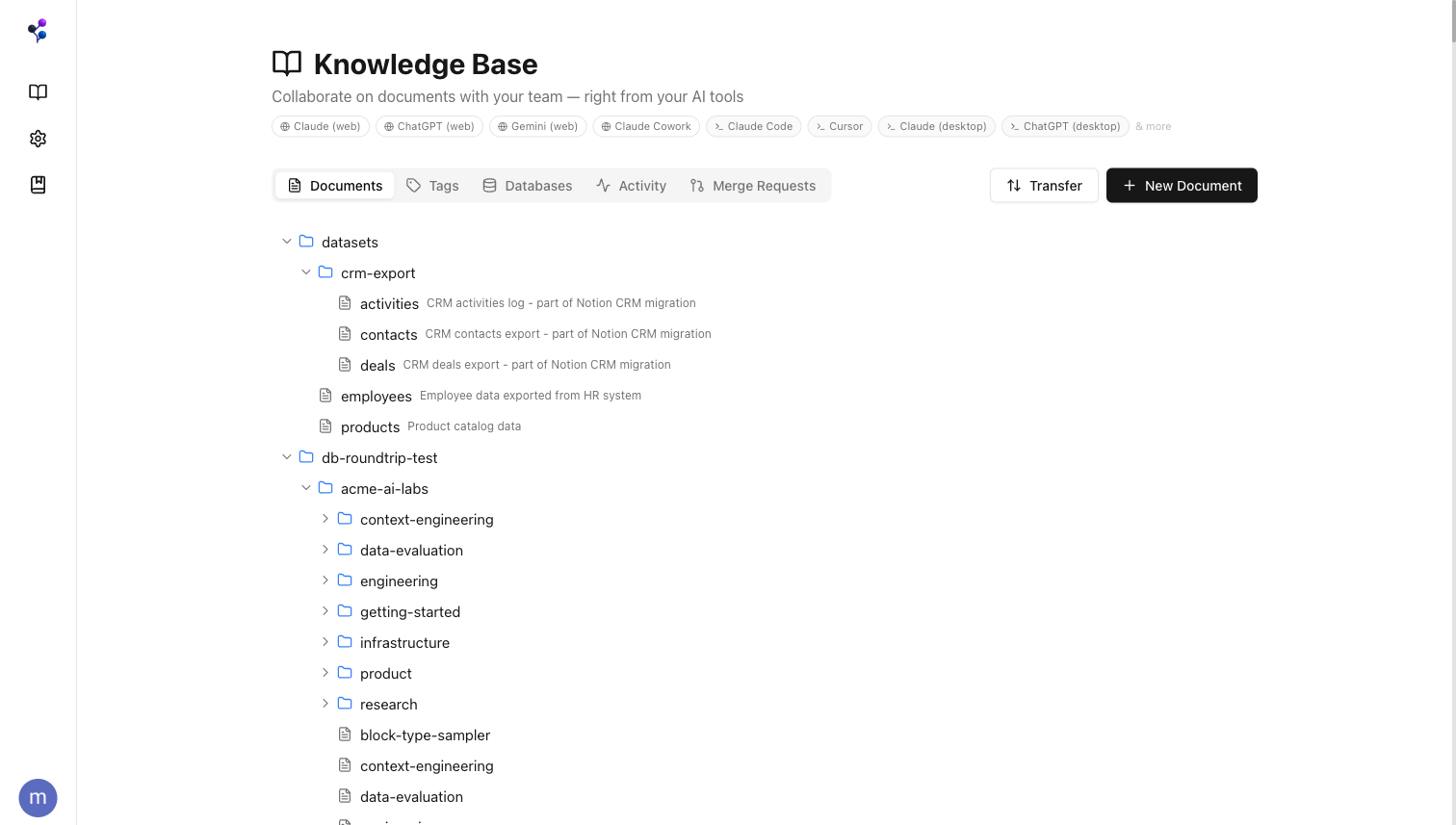
Built for Agents
Agents connect to Moxn and get structured access to your content through 13 MCP tools. See the full MCP reference.Search and read
Agents query your docs for context, grounding responses in your team’s actual knowledge instead of stale training data.
Write on branches
When you ask an agent to create or update content, it works on a branch. You review the diff and merge when ready.
Control visibility
Filesystem roles and section-level AI access controls let you hide sensitive content from agents while keeping it visible to your team.
Any MCP host
Claude.ai, ChatGPT, Gemini, Claude Code, Cursor, Claude Desktop, and any other MCP-compatible client.
Agents in Slack
Put a Moxn agent in a Slack channel. It answers from your knowledge base, works with connected tools, and writes what it learns back to Moxn.Slack Agents
Set up an AI teammate for a channel, backed by your knowledge base
A Real Editor for Your Team
Moxn isn’t just an API for agents — it’s a full-featured editor for your team. Rich text, code blocks with syntax highlighting, mermaid diagrams, inline comments, and drag-and-drop section reordering.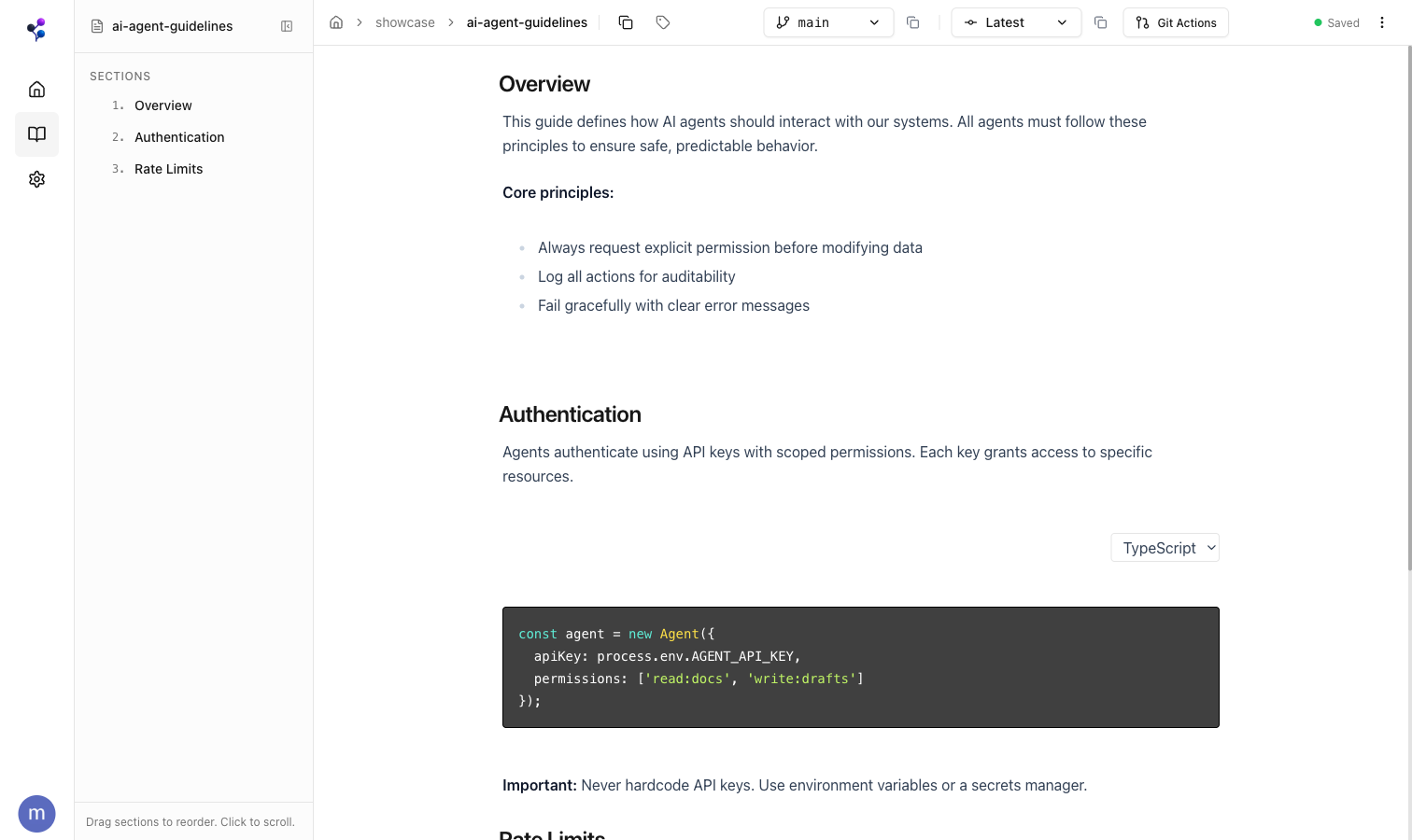
Import & Export
Import from Notion or local files with full fidelity. Work in Moxn with your team and AI agents. Export your changes back when you need to — no lock-in. For Notion, pick the in-app integration (Settings > Integrations — Moxn runs the job for you) or the CLI (run yourself, scriptable, CI-friendly). Local files use the CLI. See Which Path Should I Use? for the full breakdown.Notion (in-app)
Connect once in Settings > Integrations — no command line needed
Notion (CLI)
Same import, run from your terminal or CI
Import Local Files
Markdown, text, and CSV from your filesystem
Export to Local Files
Download as markdown with images, PDFs, and CSVs