

Choose Your Setup
Pick the connection method that fits your workflow:| CLI | MCP | |
|---|---|---|
| Auth | API key (MOXN_API_KEY) | Browser-based OAuth |
| Setup | npm install + install-skill | Config snippet in MCP settings |
| Best for | Claude Code, Codex, Cursor, and other coding agents | Claude.ai, ChatGPT, Gemini, desktop apps |
| How it works | Agent calls knowledge-base commands directly | Agent uses MCP tools |
CLI Quick Start
API key auth, no MCP needed — ideal for coding agents
MCP Quick Start
Connect any MCP host — Claude, ChatGPT, Cursor, Gemini, and more
Built for Agents
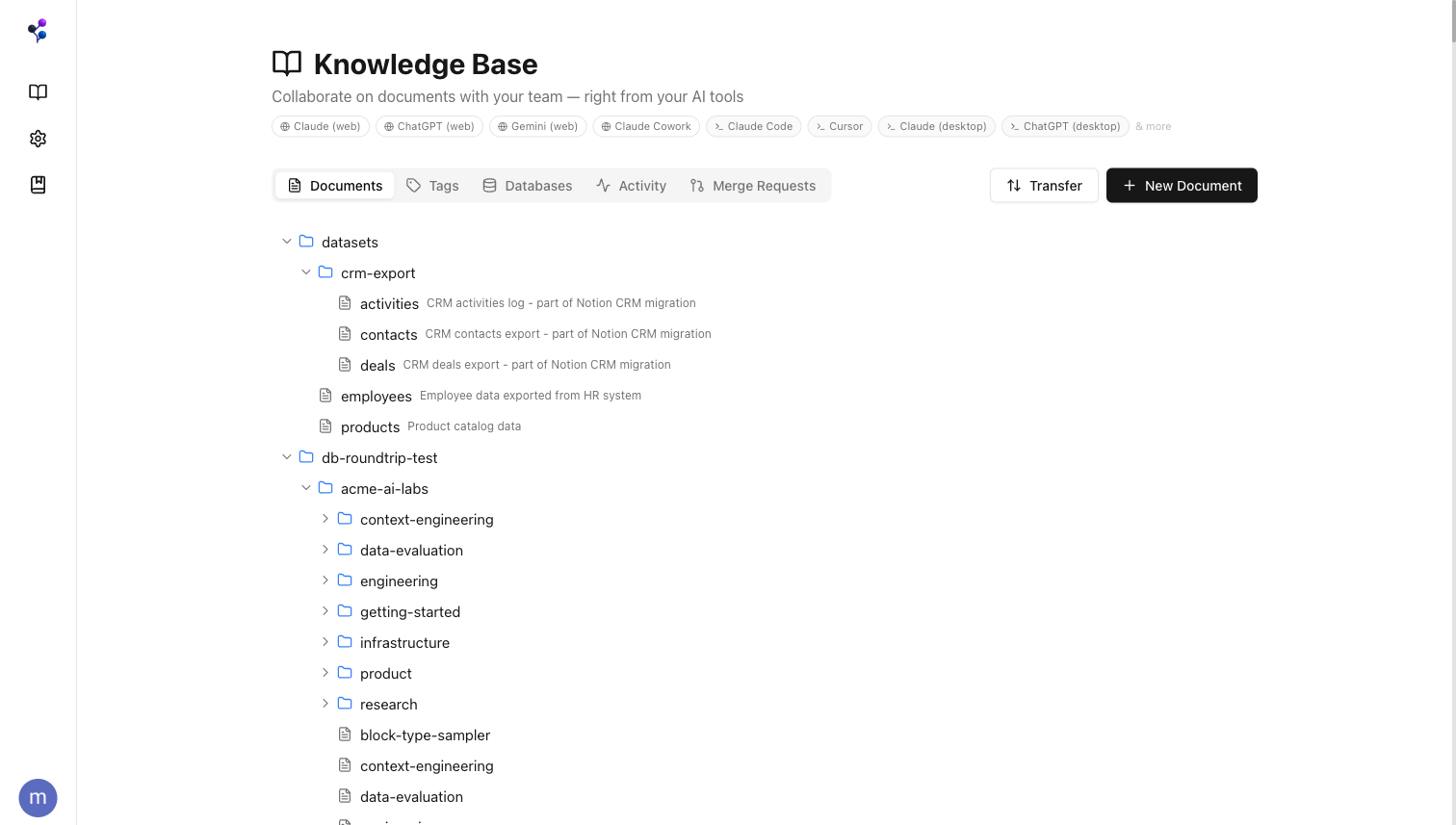
Agents connect to Moxn and get structured access to your knowledge base through a standard tool interface:find, read, search, documents, and sections.
Search and read
Agents query your docs for context, grounding responses in your team’s actual knowledge instead of stale training data.
Write on branches
When you ask an agent to create or update content, it works on a branch. You review the diff and merge when ready.
Control visibility
Section-level permissions let you hide sensitive content (API keys, credentials, internal metrics) from agents while keeping it visible to your team.
Any MCP host
Claude.ai, ChatGPT, Gemini, Claude Code, Cursor, Claude Desktop, and any other MCP-compatible client.
A Real Editor for Your Team
Moxn isn’t just an API for agents — it’s a full-featured editor for your team. Rich text, code blocks with syntax highlighting, mermaid diagrams, inline comments, and drag-and-drop section reordering.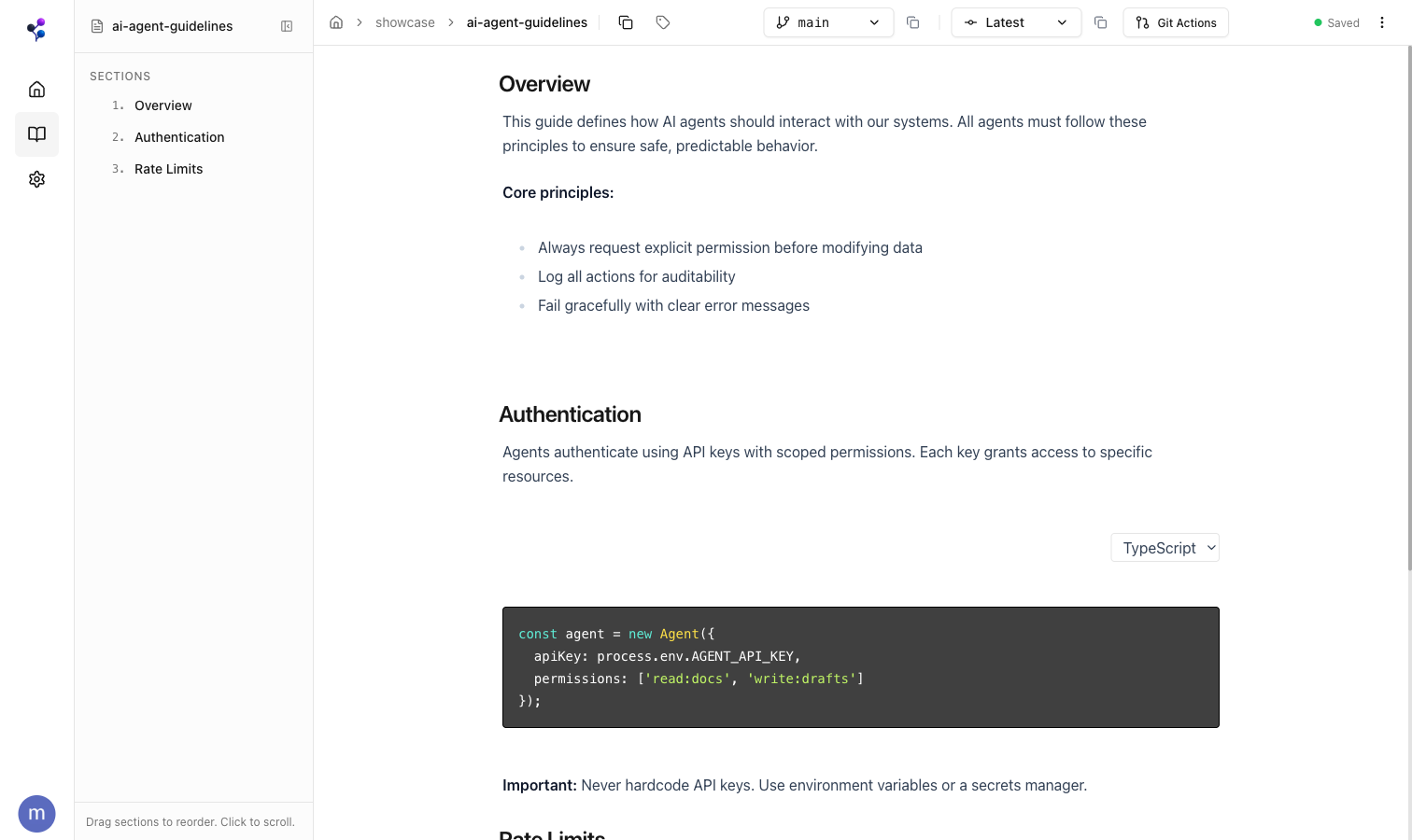
Bring Your Existing Docs
Import from Notion with full fidelity — pages, databases, properties, and cross-references come through intact. Or import local markdown and CSV files.Import from Notion
One-click web import or CLI for scripting
Import Local Files
Markdown, text, and CSV from your filesystem
For AI tools: This documentation is available as llms.txt and llms-full.txt for LLM consumption.